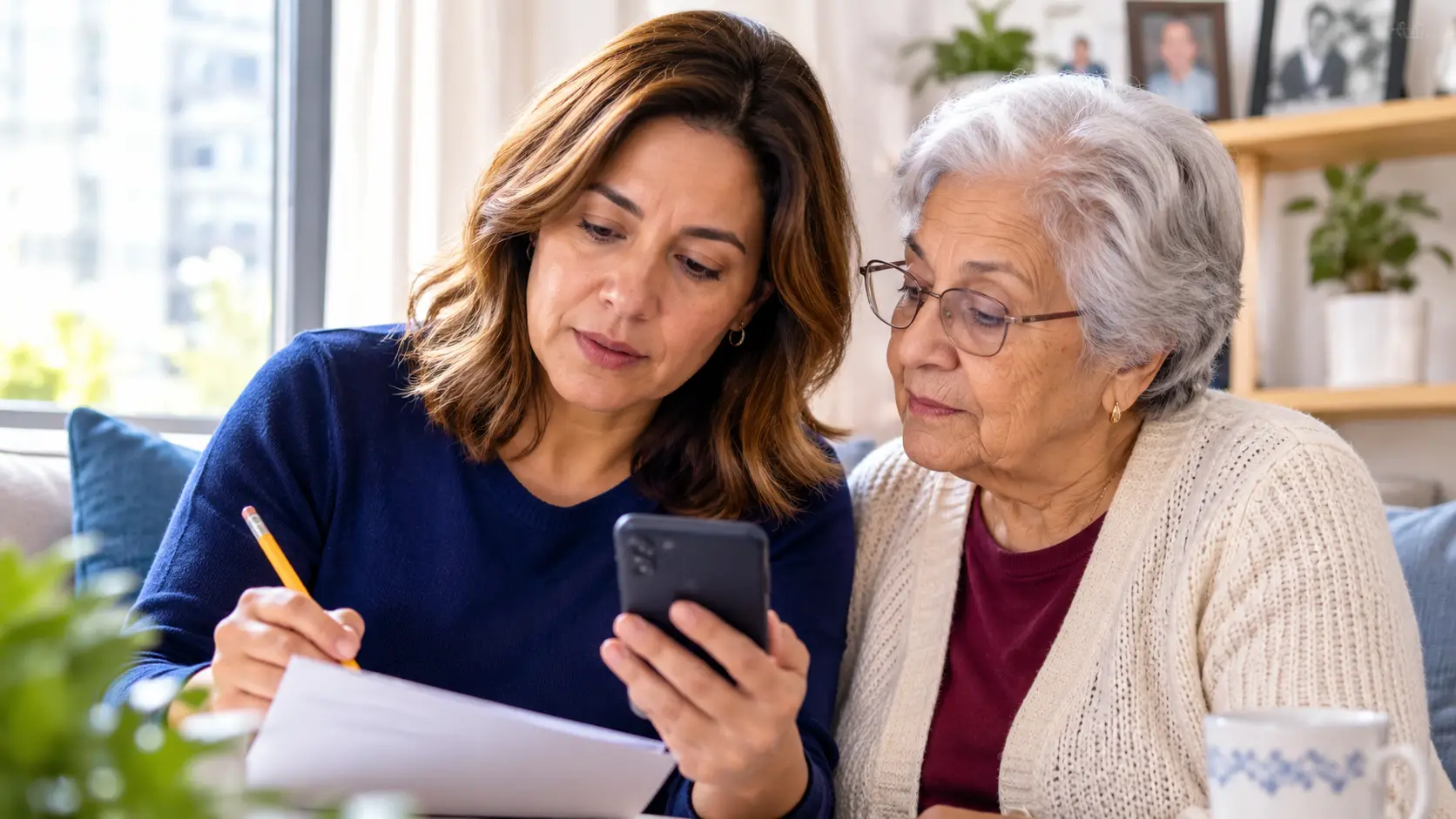



The most important online safety tips for seniors are: never act on urgent, unexpected requests for money or personal information; use strong, unique passwords with two-factor authentication; keep devices updated automatically; verify any suspicious call or message independently — even voices can now be faked by AI; and never pay anyone in gift cards, wire transfers, or cryptocurrency. Below are 10 practical internet safety tips, the most common scams to watch for, and exactly what to do if you’re targeted.
Key Takeaways
- Americans over 60 lost nearly $4.9 billion to online fraud in 2024, a 43% jump in one year, making internet safety for seniors a financial health issue, not just a tech topic.
- Urgency is the scammer’s signature: any message demanding immediate action, secrecy, or unusual payment (gift cards, wire, crypto) is a scam.
- AI voice cloning means “I heard my grandson’s voice” is no longer proof, always verify by calling the person back on their known number.
- Three habits prevent most attacks: unique passwords with 2FA, automatic software updates, and never clicking unexpected links.
- There is no shame in being targeted, report it fast. Quick reporting to the bank and the FBI’s IC3 can sometimes freeze or recover funds.
Why Internet Safety for Seniors Matters More Than Ever
Online scammers deliberately target older adults — and the losses are staggering. According to the FBI’s 2024 Elder Fraud Report, Americans over 60 filed 147,000+ complaints with losses of nearly $4.9 billion, up 43% from the previous year. And that’s only what gets reported: embarrassment keeps many seniors silent, so the real number is far higher.
The good news: nearly all of these crimes rely on the same handful of tricks. Learn to recognize the patterns below, build a few protective habits, and you close the door on the vast majority of attacks, no technical expertise required.
Most Common Online Scams Targeting Seniors
| Scam | How it works | The red flag |
| Phishing emails & texts | Fake messages from your “bank,” “Medicare,” or “Amazon” ask you to click a link and confirm information. | Real organizations never ask for passwords or SSNs by email or text. |
| Tech support scam | A pop-up or caller claims your computer is infected and requests remote access or payment. | Microsoft and Apple never call you. Never grant remote access to a stranger. |
| Grandparent / AI voice scam | A caller sounds exactly like your grandchild in trouble, needing money urgently and secretly. | AI can clone voices from seconds of audio. Hang up and call the family member directly. |
| Government impostor | “IRS,” “Social Security,” or “Medicare” threatens arrest or benefit loss unless you pay now. | Government agencies don’t threaten by phone or demand gift cards — ever. |
| Romance scam | An online companion builds trust for weeks, then has an emergency that only money can fix. | Anyone who asks for money but can never video chat or meet is not who they claim. |
| Investment / crypto scam | A “advisor” promises guaranteed returns, often after befriending you on social media. | Guaranteed high returns don’t exist. Pressure to move fast = scam. |
10 Online Safety Tips for Seniors
1. Slow down, urgency is the scam
Every scam depends on rushing you. Whether it’s a “final notice,” a grandchild “in jail,” or a prize that “expires today,” the pressure to act immediately is the tell. Legitimate organizations give you time. Make one rule and keep it: I never send money or share information on the same day I’m asked. Sleeping on it defeats almost every scam.
2. Use strong, unique passwords and let a manager remember them
Use a different password for every account, at least 16 characters long. Nobody can memorize that — and you don’t have to. A password manager creates and stores them all behind one master password. If that feels like too much, a notebook kept in a locked drawer at home is far safer than reusing “Fluffy1945” everywhere.
3. Turn on two-factor authentication (2FA)
2FA sends a code to your phone whenever someone tries to log into your account — so even a stolen password isn’t enough. Turn it on for email, banking, and social media first. One caution: a real company sends you codes; only a scammer asks you to read a code back to them.
4. Verify independently, even familiar voices
Caller ID can be faked. Email addresses can be faked. And with today’s AI tools, voices can be cloned from a few seconds of a social media video. If any call or message worries you, hang up and contact the person or company yourself using a number you already have — the one on the back of your bank card, not the one the caller gives you.
5. Don’t click unexpected links, not even “unsubscribe”
Links in unexpected emails, texts, and pop-ups can install malware in one click. If you didn’t ask for the message, don’t click anything in it — including the unsubscribe button, which scammers use to confirm your address is live. When in doubt, type the website address yourself.
6. Keep devices updating automatically
Software updates patch the security holes criminals use to break in. Turn on automatic updates on your phone, computer, and tablet once, and this tip takes care of itself [external link → CISA Secure Our World — cisa.gov/secure-our-world].
7. Treat public Wi-Fi as public
Coffee shop and library Wi-Fi is fine for reading news — not for banking, shopping, or anything with a password. Save sensitive tasks for home, or use your phone’s cellular data, which is safer than open Wi-Fi.
8. Share less on social media
Your birthdate, address, grandchildren’s names, and vacation dates are the raw material for identity theft and targeted scams — and AI voice scams start with the videos you post. Review your privacy settings so only friends see your posts, and never announce travel until you’re home.
9. Never pay with gift cards, wire transfers, or crypto
This is the brightest line in online safety: no legitimate business or government agency accepts payment in gift cards, wire transfers, or cryptocurrency. Anyone who asks for these is a criminal, full stop. It is not rude to hang up.
10. Talk about it, scams thrive on silence
Make online safety a normal family conversation, not an embarrassing one. Agree on a family code word for real emergencies. Tell someone whenever something feels off — a second opinion before you act is the cheapest security tool there is. And if you were fooled: you were the victim of a professional criminal, not a fool. Report it (see below).
Cyber Safety for the Elderly: How Families and Caregivers Can Help
Cyber security tips for seniors work best with backup. If you’re the adult child or caregiver of an older adult:
- Set up the basics together once: password manager, 2FA, automatic updates, and social media privacy settings — an hour of setup prevents years of risk.
- Become the “second opinion” person: agree that any request for money or information gets run past you first, no matter how urgent it sounds.
- Watch for warning signs of an active scam: secretive phone calls, sudden gift card purchases, unusual bank activity, a new online “friend” or “advisor.”
- Know that isolation is the scammer’s best friend. Lonely seniors are prime targets for romance and friendship scams — regular human contact is genuine protection.
That last point is where daily care matters more than any app: a caregiver’s consistent presence means someone notices the suspicious phone call, the worried expression, the gift cards on the counter. All Heart Homecare’s home care services keep seniors connected, supported, and far less vulnerable to the isolation that scammers exploit.
What To Do if You’ve Been Scammed (Act Fast)
Speed matters, acting within hours can sometimes freeze transfers. In order:
- 1. Call your bank or card issuer immediately to stop or dispute payments and freeze compromised accounts.
- 2. Change the passwords on any account involved, starting with email.
- 3. Report it, reporting builds cases and can aid recovery:
| Where to report | What it covers |
| FBI Internet Crime Complaint Center — ic3.gov | All internet crimes and fraud; the FBI’s Recovery Asset Team can sometimes freeze recent transfers. |
| FTC — reportfraud.ftc.gov | All scams and identity theft; identitytheft.gov provides a personal recovery plan. |
| AARP Fraud Watch Helpline — 877-908-3360 | Free guidance and emotional support for fraud victims and families (no AARP membership needed). |
| Your local police precinct | A police report supports bank disputes and insurance claims. |
4. Tell your family, not for permission, for protection. Scammers re-target victims, often posing as “recovery agents” who can get your money back for a fee. That second call is always a scam too.
Stay Safe Online and Never Navigate It Alone
Online safety for seniors comes down to a few strong habits and people who look out for each other. If your loved one lives alone, remember that companionship is cyber security too — an isolated senior is a scammer’s ideal target, and a caregiver’s daily presence is protection no app can match. Contact All Heart Homecare for a free consultation to learn how our caregivers help keep NYC seniors safe, connected, and confident — online and off.
Frequently Asked Questions About Online Safety for Seniors
What is the most common online scam targeting seniors?
Phishing, fake emails and texts impersonating banks, Medicare, Amazon, or delivery services — is the most common, while investment and tech-support scams cause the largest dollar losses among older adults. All share one signature: an urgent request to click, pay, or share personal information. When something demands action right now, that urgency itself is the red flag.
How can seniors protect themselves from online scams?
Five habits stop most attacks: never act the same day on unexpected requests for money or information; use unique passwords with two-factor authentication; keep devices updating automatically; verify suspicious contacts independently by calling back on a known number; and never pay anyone in gift cards, wire transfers, or cryptocurrency.
What is the grandparent scam and how does AI make it worse?
In the grandparent scam, a caller poses as a grandchild in urgent trouble — arrested, hospitalized, stranded — needing money quietly. AI voice cloning now lets criminals replicate a real grandchild’s voice from a short social media clip, making the call sound authentic. The defense: hang up and call the grandchild or their parents directly, and agree on a family code word for true emergencies.
Should seniors use a password manager?
Yes — a password manager is the easiest way to use strong, unique passwords for every account without memorizing anything beyond one master password. For seniors who prefer paper, a password notebook stored securely at home is still far safer than reusing one password everywhere, which lets a single breach open every account.
What should a senior do immediately after being scammed?
Call the bank or card company first to freeze or dispute payments, change affected passwords starting with email, then report to the FBI’s IC3 (ic3.gov) and the FTC (reportfraud.ftc.gov). Fast reporting matters — recent transfers can sometimes be frozen. And beware of follow-up “recovery” offers: anyone promising to get your money back for a fee is running the second act of the same scam.